Guide to Using Free Video Music Maker for Creative Projects 2026
Unlock your creative potential in 2026 with a free video music maker, even if you have no prior experience or budget. The landscape of video creation is changing rapidly, and anyone can now produce captivating music videos without expensive software or technical skills.
This guide is your roadmap to mastering a free video music maker for any project, from personal vlogs to professional music videos. Discover how these tools empower you to create, edit, and share content that stands out in a crowded digital world.
We will explore the benefits of using a free video music maker, walk through a simple step-by-step workflow, recommend the top tools for 2026, and share creative tips to help you achieve professional results. Ready to elevate your projects? Let’s get started and turn your creative ideas into engaging videos.
Why Use a Free Video Music Maker in 2026?
Unlocking creative expression is easier than ever in 2026, thanks to the evolution of the free video music maker. Whether you are a beginner, student, or seasoned creator, these tools are reshaping how people produce content. Let us explore why a free video music maker is essential for your projects this year.
Democratizing Video Creation
The surge of free video music maker platforms in 2026 has democratized video creation. These tools put professional-grade features within reach of students, marketers, small business owners, and hobbyists who previously faced barriers. For instance, Canva and VEED.IO now serve millions, offering intuitive music video tools at no cost. If you want a deeper dive into how these platforms empower users, check out the Free AI Music Video Maker Guide. No matter your background, you can now produce high-quality music videos without technical expertise.
Cost-Effectiveness and Accessibility
A free video music maker eliminates the need for expensive editing software or hiring professionals. This cost-saving advantage is especially significant for creators with limited budgets. Most modern tools are cloud-based, allowing you to access your projects from any device, anywhere in the world. According to industry surveys, more than 65 percent of creators in 2025 relied on free or freemium video tools. This shift has made content creation accessible to everyone, regardless of financial resources.
Versatility for Creative Projects
Flexibility is a hallmark of any leading free video music maker in 2026. These platforms cater not only to music videos but also to social content, educational presentations, and business promos. Built-in templates and AI-powered features help both novices and professionals design visually striking projects. By leveraging these resources, you can bring any creative vision to life, whether you are making a personal vlog or a professional campaign.
Rapid Content Production
Speed is crucial in today’s fast-paced digital world. A free video music maker leverages AI to accelerate the entire process, from editing to final export. Features like instant beat sync and auto-editing reduce manual work, letting you focus on creativity. For example, some AI generators can produce a complete music video in under five minutes. This rapid turnaround is perfect for content creators who need to stay agile and respond quickly to trends.
Community and Collaboration
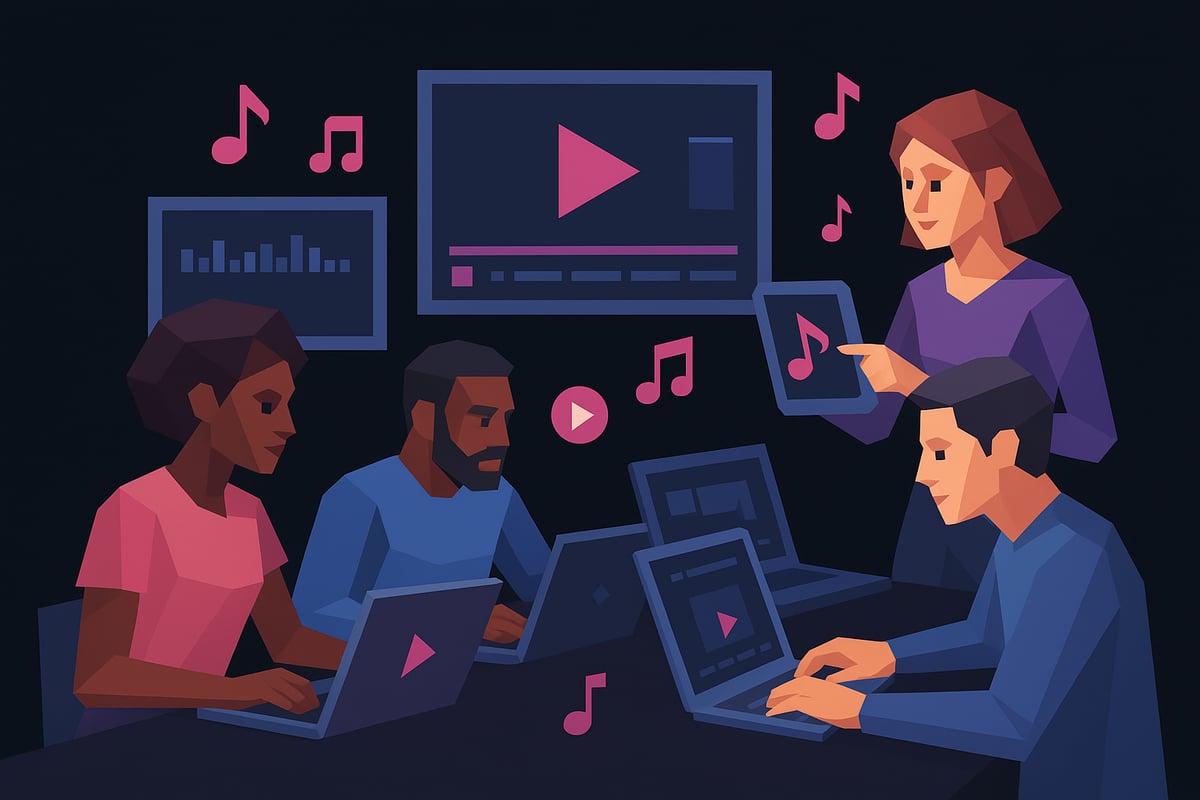
Collaboration has become seamless with popular free video music maker tools. Many platforms now offer built-in sharing, real-time co-editing, and easy feedback features. Teams can work together on a single project, regardless of their location. These collaborative environments not only boost productivity but also foster creative exchange, making it easier to produce content that resonates with audiences.
Staying On-Trend
A free video music maker is constantly evolving to keep pace with creative trends. Developers regularly update these tools with AI enhancements, ensuring creators have access to the latest features. In 2026, trends include integration with major social platforms, support for vertical video, and AI-generated assets. By staying current with these innovations, you can ensure your content remains fresh and engaging.
Limitations to Consider
While a free video music maker offers many advantages, there are some limitations to keep in mind. Some platforms restrict export quality or add watermarks to free projects. Advanced features, such as high-definition exports or premium AI effects, may only be available through paid upgrades. It is important to review the feature list and terms before starting your project, so you can plan accordingly and avoid surprises.
Step-by-Step Guide: Creating a Music Video with Free Tools
Unlocking the creative power of a free video music maker is easier than ever in 2026. Whether you are a beginner or a seasoned creator, following a proven workflow ensures your video stands out and tells your story. Let us walk through the essential steps, from choosing the right tool to publishing your finished masterpiece.
Step 1: Choose the Right Free Video Music Maker
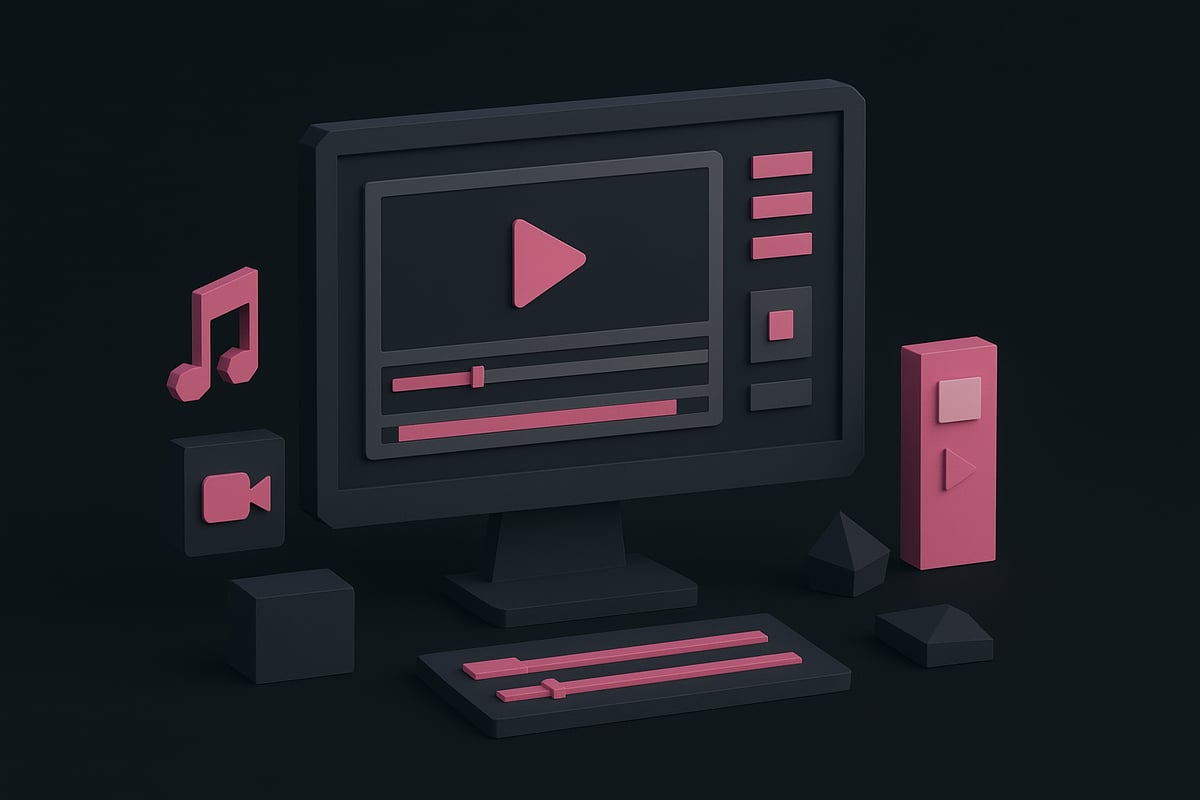
Begin by selecting a free video music maker that aligns with your needs and skill level. Research top platforms such as Canva, VEED.IO, and CapCut. Compare features like drag-and-drop editing, AI-powered beat sync, export formats, and access to templates.
Look for a user-friendly interface and a robust library of stock assets. If you are working in a team, prioritize tools that offer real-time collaboration and easy sharing. The right free video music maker can greatly streamline your workflow and boost your creative output.
Step 2: Gather Your Media Assets
Preparation is key to a smooth editing process. Collect your audio file in a supported format like MP3 or WAV. Gather relevant video clips, images, or graphics that fit your project’s theme.
Explore built-in stock libraries within your free video music maker or source royalty-free media from reputable sites. If you prefer originality, shoot your own footage using a smartphone or digital camera. Having a variety of assets ready allows you to experiment and refine your vision.
Step 3: Start a New Project and Select a Template
Open your chosen free video music maker and launch a new project. Decide whether to use a pre-designed template or start from scratch. Templates are especially helpful for matching the mood and genre of your music, offering layouts optimized for different platforms.
Browse available categories like “Music Video,” “Social Media,” or “Presentation.” Many tools let you customize colors, fonts, and transitions even when using a template. This flexibility ensures your project remains unique while saving valuable time.
Step 4: Upload and Arrange Media
Import your music track, video clips, images, and graphics into the editor. Most free video music maker platforms support simple drag-and-drop functionality, making asset management intuitive.
Arrange your media on the timeline to build a logical flow. Layer visuals to create depth and interest. For example, VEED.IO’s timeline makes it easy to align images, video, and audio precisely. Experiment with different arrangements until your project feels cohesive.
Step 5: Edit and Sync Music to Video
Editing is where your project comes to life. Trim video clips to fit the beat and rhythm of your soundtrack. Use built-in AI beat sync tools, available in many free video music maker solutions, to automate the process and ensure perfect timing.
Enhance your video with transitions, effects, and animations. For a deeper dive into effective editing techniques, you can check out this guide on How to Create AI Music Videos, which offers step-by-step instructions for syncing visuals with music. Aim for a dynamic, engaging result that matches your vision.
Step 6: Add Text, Subtitles, and Visual Elements
Incorporate text overlays for titles, lyrics, or credits using your free video music maker’s text tools. Customize fonts, colors, and animations to fit your brand or project style.
Adding subtitles increases accessibility and can boost engagement, especially on social platforms where viewers often watch without sound. Enhance your video with stickers, shapes, or visual effects to create a polished, professional look.
Step 7: Preview, Export, and Share
Before finalizing, preview your music video to check timing, transitions, and overall quality. Adjust any elements as needed for the best result. When satisfied, export your project in your preferred format, such as MP4 or MOV.
Be mindful that some free video music maker platforms may add a watermark or limit export resolution. Share your video directly to YouTube, Instagram, or other channels, or download it for offline use. Celebrate your creative achievement and start planning your next project.
Top Free Video Music Makers to Try in 2026
Looking for the best free video music maker to elevate your creative projects in 2026? With so many feature-rich options available, it can be overwhelming to choose the right tool. Below, we break down the top platforms, what makes each unique, and how they can help you produce polished, professional music videos—no matter your skill level.
Canva Video Editor
Canva Video Editor stands out as a leading free video music maker, thanks to its intuitive drag-and-drop interface and abundant creative resources. With over one million templates, you can quickly match your video’s mood and genre. AI enhancements like beat sync and animation make editing both fast and precise.
The editor’s stock media library is vast, offering royalty-free music, graphics, and video clips. Canva simplifies collaboration, allowing teams to co-edit and share projects in real time. Direct export to social media platforms is seamless, making distribution effortless. According to recent data, millions of music videos were created using Canva in 2025, proving its popularity among creators.
VEED.IO
VEED.IO is a powerful online editor designed for users who want flexibility and advanced features in a free video music maker. Its AI-powered toolkit includes auto subtitles, noise reduction, and text-to-video conversion, streamlining the editing process for both beginners and professionals.
The platform supports a wide range of media uploads, including images, audio, and video, all managed on an easy-to-navigate timeline. VEED.IO’s collaborative features allow multiple users to edit projects simultaneously, making it ideal for teams. The free version enables full video creation, though some advanced features may be limited.
CapCut
CapCut has become a favorite free video music maker for both mobile and desktop users. Its robust library of effects, transitions, and music tracks makes it perfect for those creating content for platforms like TikTok and Instagram. CapCut’s AI-driven tools, including auto beat detection and smart transitions, help you achieve professional results quickly.
The app supports vertical, square, and horizontal formats, catering to various social media requirements. Its user-friendly design ensures that even beginners can produce visually stunning videos. CapCut is especially popular among short-form video creators seeking efficiency and creativity.
Clipchamp
Clipchamp, now part of the Microsoft ecosystem, offers a browser-based free video music maker solution with a streamlined workflow. Users benefit from a library of free templates and stock assets, making it easy to start any project. AI voiceover and auto-caption features further enhance accessibility.
Exporting videos is straightforward, with options tailored for different social platforms. While Clipchamp’s free plan covers most basic needs, some premium assets and higher-resolution exports may require an upgrade. Its integration with Windows devices adds extra convenience for many users.
InVideo
InVideo is a template-driven free video music maker that simplifies the creation of music videos, slideshows, and promo clips. The platform offers a variety of professionally designed templates, allowing users to quickly assemble visually engaging content. Even on the free plan, you can access essential editing tools and export your projects, though a watermark will be present.
InVideo supports a broad range of video formats, making it versatile for different use cases. Its intuitive interface ensures that even those with minimal editing experience can create polished videos for personal or professional use.
Key Comparison Points
Choosing the right free video music maker depends on your project needs and workflow preferences. Here’s a quick comparison:
| Tool | AI Features | Templates | Export Options | Collaboration | Limitations |
|---|---|---|---|---|---|
| Canva | Beat sync, animation | 1M+ | Direct to social | Yes | Some advanced features |
| VEED.IO | Auto subtitles, noise reduction | Many | Multiple formats | Yes | Feature limits |
| CapCut | Beat detection, transitions | Many | Social formats | No | Occasional watermark |
| Clipchamp | Voiceover, auto-caption | Many | Platform-specific | Yes | Some assets premium |
| InVideo | Template-driven | Many | Multiple formats | No | Watermark on free plan |
For a deeper dive into tool comparisons and to discover even more options, check out this Music Video Maker Website Comparison.
Each platform offers a unique blend of features, making it easier than ever to find a free video music maker that fits your creative vision. Explore these tools, experiment with their capabilities, and bring your music videos to life.
Creative Tips for Standout Video Music Projects
Unlocking creativity with a free video music maker is about more than just combining clips and tracks. To make your projects truly stand out in 2026, blend visual style, technology, and storytelling. Here are actionable strategies to help your videos shine, whether you are a beginner or a seasoned creator.
Match Visuals to Music Genre and Mood
Start by aligning your visuals with the genre and emotional tone of your music. A free video music maker offers filters, color grading, and effects that let you set the right mood.
For example, use neon colors and rapid transitions for energetic dance tracks. Choose soft pastels and gentle fades for ballads. If you are unsure, experiment with preset templates designed for specific genres.
Table: Visual Styles by Genre
| Genre | Visual Style | Effects |
|---|---|---|
| Electropop | Neon, glitch | Fast transitions |
| Indie Folk | Warm, vintage | Light overlays |
| Hip Hop | Urban, bold contrasts | Motion graphics |
| Classical | Monochrome, elegant | Subtle fades |
Matching the energy of your audio to your visuals is key to maximizing the impact of a free video music maker.
Leverage AI and Templates for Efficiency
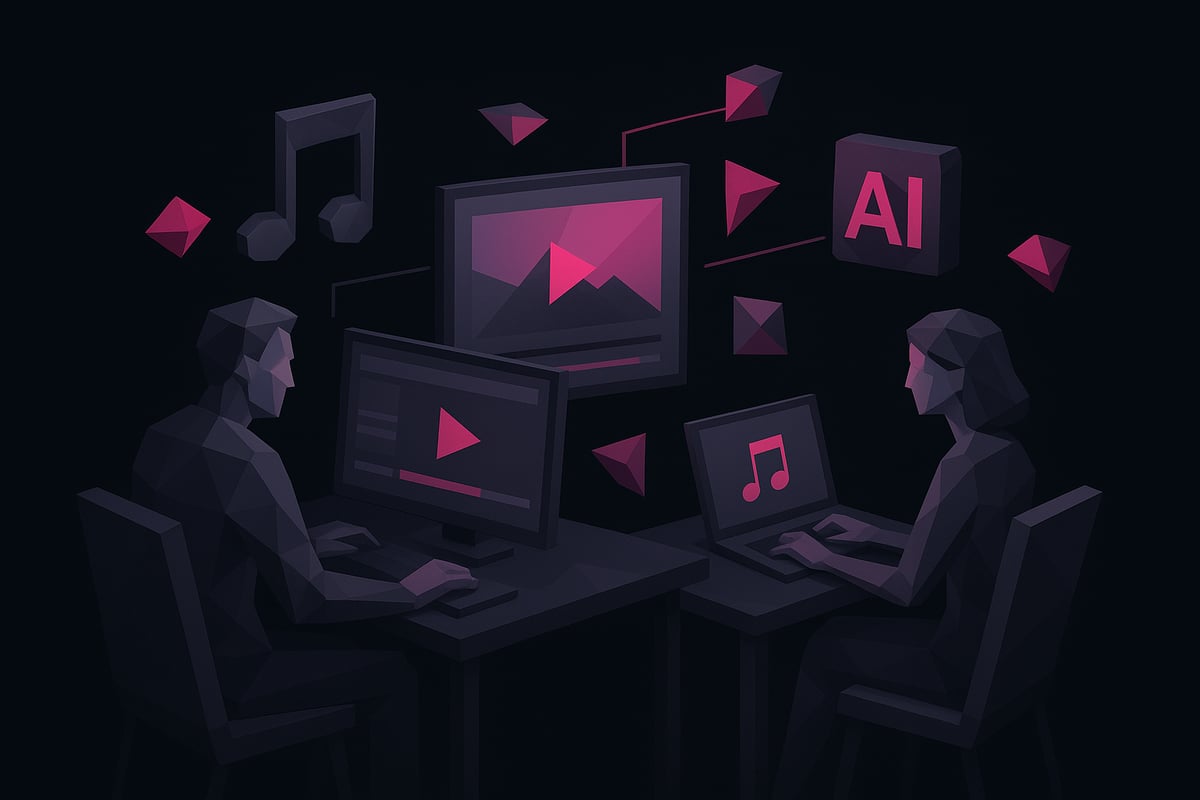
Speed up your workflow by using AI-powered features and templates. Many free video music maker platforms now include AI beat sync, auto transitions, and smart cropping.
CapCut, for instance, uses an AI beat detection feature that automatically lines up cuts and transitions with your song’s tempo. This saves significant editing time and maintains professional polish.
Templates also provide a quick foundation. Customize them to fit your brand while letting AI handle repetitive tasks. This approach keeps your content fresh and allows you to focus on creative choices, not manual editing.
Incorporate Storytelling Elements
Give your video a narrative arc to engage viewers. Even a simple story—like a day-in-the-life montage or a visual journey matching your lyrics—can elevate your free video music maker project.
Use text overlays for lyrics, add captions for context, or build a sequence that follows a logical progression. Consider using a mix of close-ups, wide shots, and dynamic angles to add variety and momentum.
Storytelling transforms your project from a generic clip compilation to an emotional experience that resonates with your audience.
Optimize for Platforms and Trends
Each platform has its own format and style trends. When exporting from your free video music maker, select the aspect ratio and length best suited for your target channel.
For TikTok and Instagram Reels, vertical videos under 60 seconds work best. YouTube Shorts favor quick, punchy edits. In 2026, interactive elements and AI-generated assets are trending, so take advantage of new features as they roll out.
Stay current by regularly updating your approach and exploring platform-specific templates. This ensures your content remains relevant and discoverable.
Enhance Accessibility and Engagement
Accessibility is essential for reaching a wider audience. Add subtitles so viewers can follow along without sound. Use high-contrast visuals and readable fonts to ensure clarity.
A free video music maker often includes built-in tools for subtitles and descriptive text. Engage your viewers further by incorporating call-to-action overlays and interactive graphics.
Accessible videos are more likely to be shared and appreciated, especially in diverse, global communities.
Collaborate and Gather Feedback
Collaboration tools built into many free video music maker platforms allow teams to edit, comment, and revise projects in real time.
Share drafts with colleagues or friends for feedback. Use version control and comment threads to track changes and suggestions. This iterative process leads to higher quality and more creative final videos.
Working together also sparks new ideas and helps you spot issues you might have missed working solo.
Avoid Common Pitfalls
To get the most from your free video music maker, watch out for common mistakes:
- Always use royalty-free or original music and visuals to avoid copyright issues.
- Check export settings to prevent low resolution or unwanted watermarks.
- Preview your video on multiple devices to ensure consistent quality.
- Explore reputable tools by reading reviews or visiting resources like the Best Free AI Video Generators to avoid unreliable platforms.
By following these tips, you can consistently produce standout results with a free video music maker, no matter your experience level.
Maximizing Results: Sharing, Promotion, and Analytics
Bringing your creative vision to life with a free video music maker is only the beginning. To truly maximize your impact, it is essential to focus on how you share, promote, and analyze your content. Strategic distribution and continuous improvement can transform a single video into a powerful asset for your brand or creative journey.
Sharing Directly from the Video Maker
Most free video music maker platforms offer seamless sharing options. You can typically publish your finished video directly to YouTube, Facebook, or Instagram without leaving the editor. This integration speeds up your workflow and ensures your content reaches your audience quickly.
Look for tools with one-click sharing features and compatibility with the platforms your audience prefers. Some editors even allow you to schedule posts or export content in multiple formats for different channels. This flexibility helps you maintain a consistent posting schedule and amplify your creative output.
Optimizing Metadata and Thumbnails
To stand out in a crowded digital space, you must optimize your video’s metadata. A free video music maker usually includes fields for titles, descriptions, and tags. Use descriptive, keyword-rich titles and write engaging summaries that highlight the value of your content.
Designing a custom thumbnail is equally important. An eye-catching image increases click-through rates and helps your video compete against others. Many video makers provide built-in graphic tools for this purpose, so take advantage of them to attract viewers from the start.
Promoting Across Channels
Promotion does not stop at a single platform. Share your video on multiple social channels to maximize reach. Collaborate with influencers or partners to cross-promote, and consider embedding your video in blog posts or newsletters.
The growing popularity of AI-powered editing and cloud-based workflows makes it easier than ever to distribute content broadly. According to recent reports, the global video editing software market is rapidly expanding, driven in part by the adoption of free video music maker tools. This trend highlights the importance of multi-channel promotion for creators who want to grow their audience.
Tracking Performance with Analytics
Understanding how your video performs is crucial for long-term success. Most platforms provide built-in analytics that show views, watch time, and engagement rates. Use these insights to identify which content resonates most with your audience.
Adjust your strategy based on real data. For example, if you notice higher engagement on certain platforms or video styles, consider focusing your efforts there. Effective use of analytics helps you refine your creative approach and achieve better results with each project.
Iterating for Improvement
Continuous improvement is key in the creative process. Gather feedback from viewers using comments, direct messages, or surveys. Analyze audience reactions and look for patterns in what works and what does not.
Apply these lessons to future videos. Experiment with different styles, formats, or promotional tactics. By iterating and learning from each release, you will increase the impact of your free video music maker projects over time.
Legal and Ethical Considerations
Before sharing your video widely, double-check that all music and visuals are cleared for use. Using royalty-free or original content protects you from copyright issues. Always respect privacy and intellectual property rights to avoid takedowns or penalties.
Developing a workflow that prioritizes legal and ethical practices will safeguard your reputation and ensure your creative journey continues without interruptions.
Building a Portfolio or Channel
As you create more videos, consider compiling your best work into a portfolio or dedicated channel. This approach showcases your skills and demonstrates consistency in style and branding.
For creators seeking more versatility, open-source options like OpenShot Video Editor can complement your free video music maker toolkit. A strong, well-organized portfolio makes it easier to attract new opportunities, whether you are a musician, marketer, or educator.
After exploring how free video music makers are revolutionizing creative projects in 2026, you can see how accessible, professional-grade tools are changing the game for everyone—whether you are a musician, content creator, or just starting out. With AI-powered platforms like 1 More Shot, creating standout music videos is not only possible but also fast and intuitive. If you are ready to put these insights into action and bring your ideas to life, you do not need any prior experience or expensive software—just your creativity and the right tool.
Start Creating Now