Use AI to Make Videos: The Complete 2026 Guide
Artificial intelligence has fundamentally transformed how content creators approach video production. What once required expensive equipment, specialized training, and hours of manual editing can now be accomplished in minutes with the right AI-powered tools. Whether you’re a musician looking to promote your latest track, a marketer creating promotional content, or a social media influencer building your brand, learning to use AI to make videos has become an essential skill in 2026. The technology has matured significantly, offering professional-grade results that were unimaginable just a few years ago.
The Evolution of AI Video Creation Technology
The landscape of AI video generation has experienced dramatic shifts over the past few years. Early tools offered limited customization and produced generic results, but today’s platforms incorporate sophisticated machine learning models that understand context, style, and creative intent.
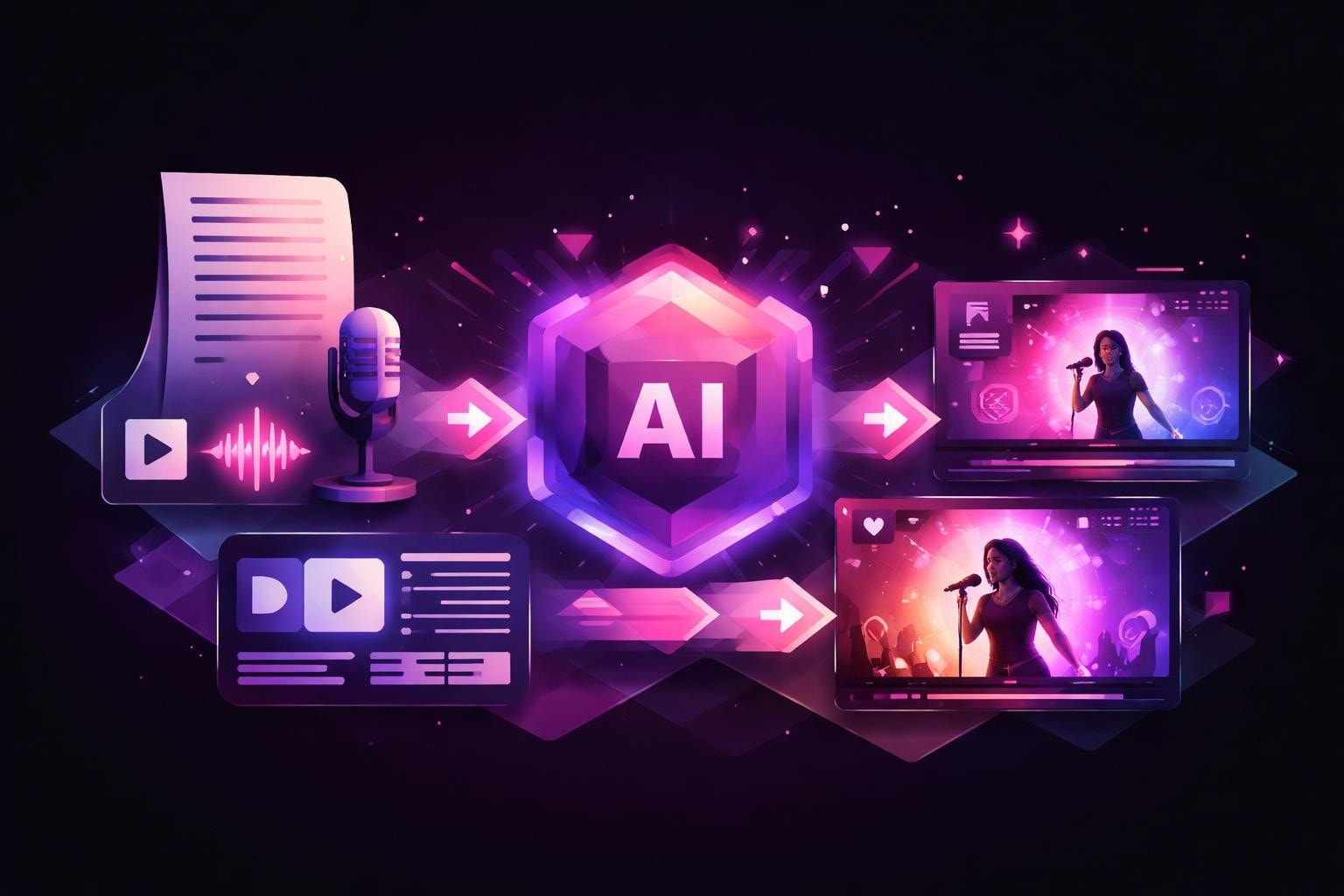
Modern AI video generators analyze input data ranging from text descriptions to audio files and create cohesive visual narratives. These systems leverage neural networks trained on millions of video samples, enabling them to understand composition, pacing, timing, and visual storytelling principles.
Key Technological Advancements
The capabilities that define current AI video tools include:
- Natural language processing that translates written descriptions into visual elements
- Audio-visual synchronization that matches video beats to music rhythms
- Style transfer algorithms that apply consistent aesthetic choices across entire projects
- Scene generation that creates original footage rather than relying solely on stock libraries
- Automated editing that handles cuts, transitions, and timing decisions
When you use AI to make videos today, you’re accessing technology that would have required a full production team just five years ago. The democratization of video creation has opened opportunities for independent creators, small businesses, and artists who previously lacked resources for professional video production.
Understanding Different Types of AI Video Generators
Not all AI video tools serve the same purpose. Understanding the categories helps you select the right solution for your specific needs.
| Generator Type | Primary Use Case | Best For | Typical Output |
|---|---|---|---|
| Text-to-Video | Marketing content, explainers | Business presentations, educational content | Animated graphics, stock footage compilations |
| Music Video AI | Artist promotion, streaming content | Musicians, record labels, content creators | Synchronized visual content matching audio |
| AI Video Editors | Post-production refinement | YouTubers, filmmakers, agencies | Polished, edited versions of existing footage |
| Social Media Generators | Short-form content creation | Influencers, brands, advertisers | Platform-optimized clips (Reels, TikTok, Shorts) |
Text-to-Video Platforms
These tools transform written scripts or prompts into complete video productions. Platforms like Steve AI specialize in converting text into videos within minutes, making them ideal for businesses that need to produce large volumes of content quickly.
The process typically involves entering your script, selecting a style template, and allowing the AI to generate scenes that match your narrative. Advanced platforms offer customization options for voiceovers, background music, and visual themes.
Music Video Generators
For musicians and audio creators, specialized music video AI tools represent a game-changing resource. These platforms analyze audio files to detect beats, rhythm patterns, and emotional tones, then generate synchronized visuals that enhance the listening experience.
The technology behind AI music video creation has become increasingly sophisticated, with platforms now capable of generating genre-appropriate visuals, matching tempo changes, and even creating narrative elements that complement lyrical themes.
Workflow Strategies for AI Video Production
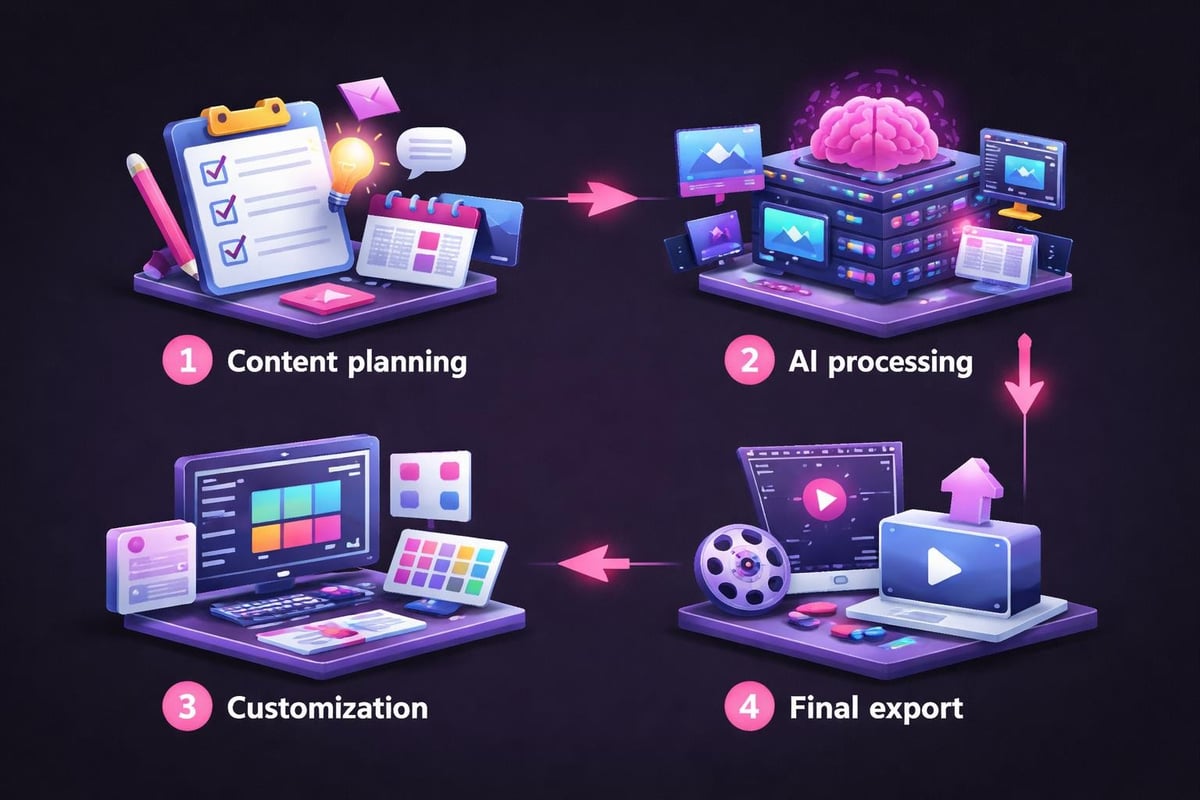
Success with AI video generation depends on establishing efficient workflows that balance automation with creative control. The most effective approach combines AI capabilities with human creative direction.
Pre-Production Planning
Before you use AI to make videos, invest time in planning:
- Define your objectives clearly, including target audience, platform requirements, and desired outcomes
- Gather source materials such as scripts, audio files, brand assets, or reference images
- Create a style guide that outlines color schemes, pacing preferences, and visual themes
- Set quality benchmarks to evaluate AI-generated outputs against your standards
- Plan distribution channels to ensure proper formatting and optimization
This preparation phase significantly impacts the quality of AI-generated results. Platforms like Vivu.ai work most effectively when provided with well-organized source material and clear creative direction.
Production Execution
The actual generation process varies by platform, but several universal principles apply:
Input quality matters tremendously. High-resolution audio files, well-written scripts, and clear prompts produce superior results. When working with music video generators, audio clarity and proper mastering directly influence how effectively the AI synchronizes visuals.
Iterative refinement beats single attempts. Generate multiple variations, test different style parameters, and compare outputs. Most AI platforms allow rapid iteration, making experimentation cost-effective.
Leverage template systems wisely. While custom creation offers maximum flexibility, starting from proven templates accelerates production and provides professional baselines.
Post-Production Refinement
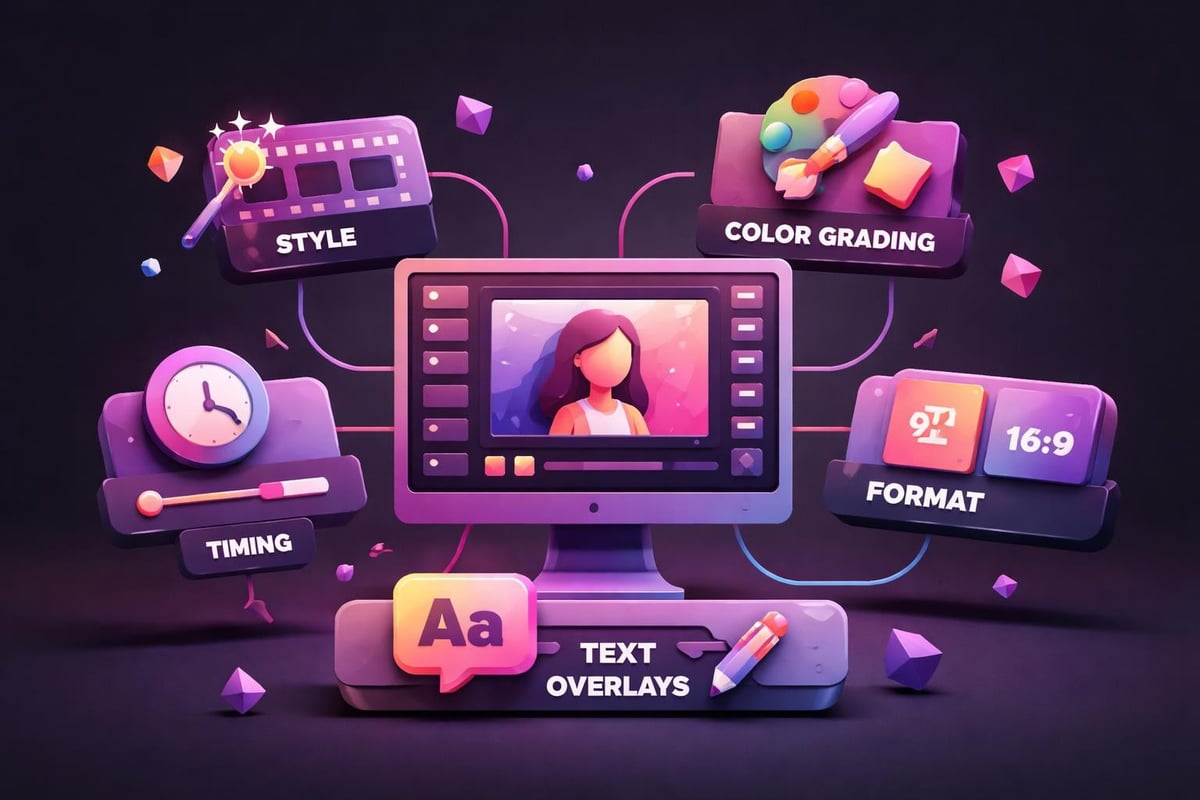
AI-generated videos often benefit from human refinement. Tools like Voria AI’s prompt-based editor enable quick adjustments through natural language commands, allowing you to fine-tune specific elements without manual frame-by-frame editing.
Common refinement tasks include:
- Adjusting timing or pacing for specific segments
- Swapping individual scenes while maintaining overall coherence
- Adding text overlays, captions, or branded elements
- Color grading for consistent visual tone
- Audio mixing to balance music, voiceovers, and effects
Platform Selection Criteria
Choosing the right AI video platform requires evaluating several critical factors against your specific requirements.
Feature Comparison Matrix
| Feature Category | Questions to Ask | Impact on Results |
|---|---|---|
| Input Flexibility | What file types and formats are supported? | Determines workflow compatibility |
| Customization Depth | How much control over visual elements? | Affects brand consistency and uniqueness |
| Export Options | What resolutions and formats are available? | Critical for platform requirements |
| Processing Speed | How quickly are videos generated? | Influences production timelines |
| Pricing Structure | Per-video, subscription, or credit-based? | Affects budget planning and scalability |
Specialized vs. General-Purpose Tools
General-purpose platforms like Invideo AI’s video editor offer versatility across multiple content types, making them suitable for agencies or creators producing diverse content. These tools typically include extensive template libraries and broad customization options.
Specialized platforms focus on specific use cases with optimized workflows. For musicians and artists, dedicated music video generators provide superior synchronization capabilities and genre-appropriate visual libraries that general tools cannot match. Understanding the best AI video generators for your specific niche ensures optimal results.
Optimizing AI Video Output Quality
Maximum quality from AI video tools requires understanding how to communicate effectively with the systems and optimize various parameters.
Prompt Engineering for Video AI
When platforms accept text descriptions, prompt quality dramatically affects output. Effective prompts include:
- Specific visual references rather than generic descriptions
- Mood and atmosphere descriptors that guide stylistic choices
- Technical specifications like camera angles, movement, or lighting preferences
- Reference to established styles when seeking particular aesthetic approaches
For example, rather than prompting “a sad scene,” specify “melancholic autumn landscape with soft focus, golden hour lighting, slow pan across empty park bench, contemplative mood.” This precision helps AI systems generate targeted results.
Audio Preparation for Music Videos
When creating music videos, audio file quality and preparation directly impact synchronization accuracy:
- Ensure proper audio mastering with clear peaks and consistent levels
- Export in lossless formats when possible to preserve timing precision
- Include metadata such as BPM, genre, and mood tags when platforms support it
- Consider stem separation for platforms that can synchronize to specific instruments
- Test preview sections before committing full tracks to generation
Platforms specializing in AI video creation tools often include audio analysis features that detect beats, tempo changes, and emotional shifts automatically, but providing clean source material enhances these capabilities.
Resolution and Format Considerations
Different platforms and distribution channels require specific technical specifications:
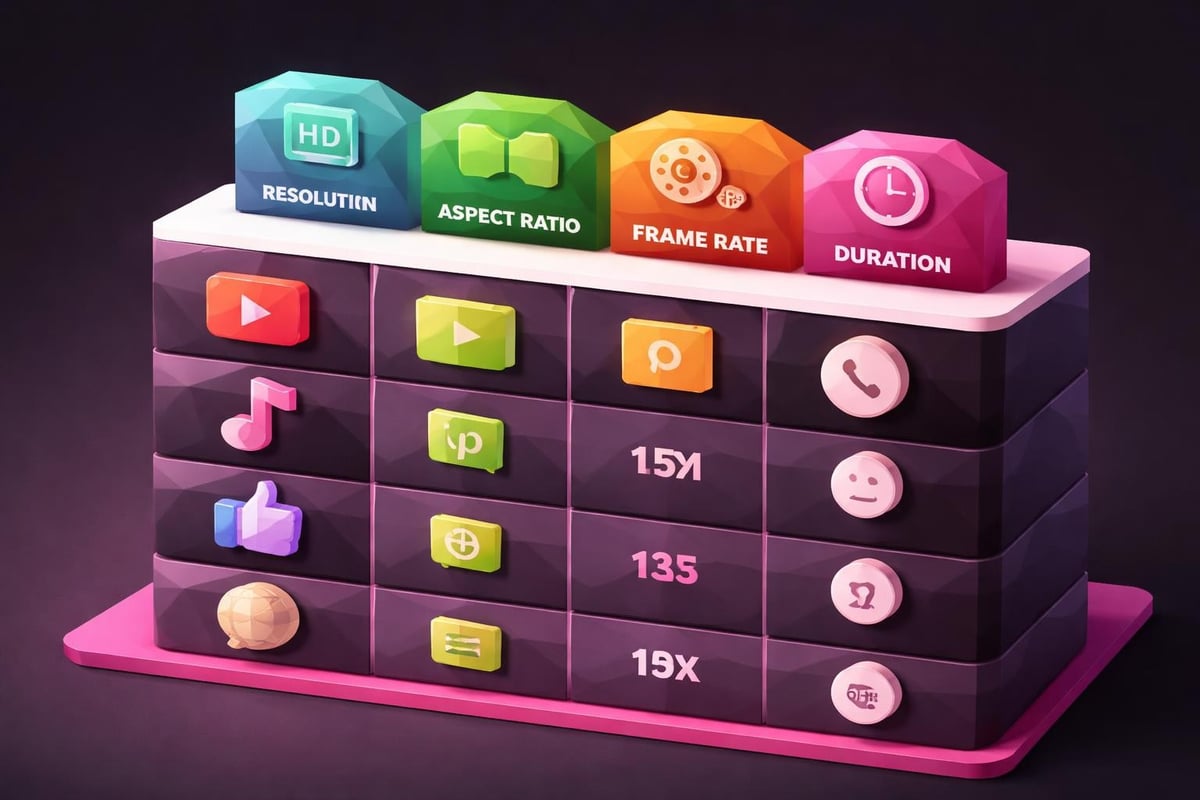
- YouTube and streaming platforms typically prefer 1920x1080 (Full HD) or 3840x2160 (4K) at 24-30fps
- Instagram Reels and TikTok optimize for 1080x1920 vertical format at 30fps
- Facebook and LinkedIn work best with 1280x720 to 1920x1080 horizontal formats
- Twitter/X supports various ratios but favors 16:9 or 1:1 aspect ratios
Tools like Choppity’s AI video editor automate format conversions, but planning your primary output format before generation prevents quality loss from resizing.
Advanced Techniques for Professional Results
Moving beyond basic AI video generation requires mastering advanced techniques that elevate output quality.
Layering and Composition Strategies
Professional videos often combine multiple AI-generated elements rather than relying on single-pass generation:
- Generate background visuals separately from foreground elements
- Create text animations independently and composite them
- Use AI for specific sections while maintaining manual control over others
- Combine outputs from multiple AI tools for hybrid workflows
This layered approach provides greater creative control while still leveraging automation benefits. Platforms like Elai.io excel at creating specific video components that integrate well into broader projects.
Style Consistency Across Video Series
When producing multiple videos for a campaign or channel, maintaining visual consistency becomes crucial:
Save and reuse style parameters whenever platforms support preset systems. This ensures similar color grading, transition styles, and pacing across videos.
Create style reference libraries by collecting screenshots of successful outputs that exemplify your desired aesthetic. Use these as visual prompts for subsequent projects.
Establish template hierarchies with base templates for different content types (promotional, educational, entertainment) that share core brand elements while allowing category-specific variations.
Brand Integration Methods
Effective brand integration in AI-generated videos requires strategic planning:
- Incorporate brand colors through style parameters and color grading settings
- Include logo animations at consistent points (typically opening or closing sequences)
- Use brand-compliant fonts for any text overlays or captions
- Maintain voice consistency through selected music styles, pacing, and visual energy levels
- Apply signature transitions that become associated with your content
These elements transform generic AI outputs into recognizable brand assets. Many creators use AI to generate the foundation while adding brand-specific polish in post-production.
Cost-Effectiveness and ROI Analysis
Understanding the economic impact of using AI to make videos helps justify technology investments and optimize resource allocation.
Traditional Production Cost Comparison
Traditional video production typically involves:
| Production Element | Traditional Cost Range | Time Investment |
|---|---|---|
| Pre-production planning | $500-$2,000 | 5-15 hours |
| Equipment rental | $300-$1,500/day | N/A |
| Crew (camera, lighting, sound) | $1,000-$5,000/day | N/A |
| Talent/actors | $500-$5,000 | Variable |
| Location fees | $200-$2,000/day | N/A |
| Post-production editing | $1,000-$10,000 | 10-50 hours |
| Total per video | $3,500-$25,500 | 15-65+ hours |
AI video generation platforms typically operate on subscription models ranging from $20-$200 monthly, with unlimited or high-volume video creation. This represents potential cost reductions of 90-99% while dramatically accelerating timelines.
Time Savings Calculation
When evaluating whether to use AI to make videos, consider time efficiency:
- Traditional production: 15-65 hours per video including all phases
- AI-assisted production: 1-4 hours including planning, generation, and refinement
- Time savings: 85-95% reduction in production duration
This acceleration enables content strategies that would be impossible with traditional methods. Weekly video releases, rapid response content, and extensive A/B testing become feasible for individual creators and small teams.
Scalability Advantages
AI video platforms excel at scaling production without proportional cost increases. Creating 10 videos requires minimal additional expense compared to producing one, unlike traditional production where costs scale linearly.
For businesses exploring video generation AI solutions, this scalability transforms content strategy possibilities. Marketing teams can produce platform-specific variations, test multiple messaging approaches, and maintain consistent publishing schedules without expanding budgets.
Integration with Existing Creative Workflows
Successful AI video adoption requires thoughtful integration with established processes rather than complete workflow replacement.
Hybrid Production Models
Most professional creators adopt hybrid approaches combining AI automation with human expertise:
AI handles repetitive tasks such as initial cuts, transcription, basic synchronization, and template application. Tools like Vidio.ai’s automated workflow excel at these time-consuming but straightforward tasks.
Human creators focus on strategic decisions including creative direction, brand alignment, emotional resonance, and final quality approval. This division of labor maximizes both efficiency and creative quality.
Team Collaboration Structures
When multiple people contribute to video projects, establish clear role definitions:
- Creative directors provide vision, approve concepts, and ensure brand consistency
- AI operators translate creative direction into effective prompts and parameter settings
- Editors refine AI outputs and handle final touches
- Quality controllers verify technical specifications and platform requirements
Cloud-based AI platforms facilitate collaboration through shared projects, comment systems, and version control features.
Asset Library Management
Maintaining organized libraries of AI-generated assets improves long-term efficiency:
- Categorize outputs by project, style, platform, or content type
- Tag videos with searchable metadata including prompts used, parameters, and performance metrics
- Archive successful templates and style presets for reuse
- Document lessons learned and optimization discoveries
- Track which AI tools produced which outputs for future reference
This systematic approach prevents redundant work and builds institutional knowledge about what works best for your specific needs.
Emerging Trends and Future Developments
The AI video generation field continues evolving rapidly, with several significant trends shaping 2026 and beyond.
Real-Time Generation Capabilities
Processing speeds have improved to the point where some platforms now offer near-real-time video generation. This enables:
- Live event coverage with immediate highlight reels
- Interactive experiences where viewer inputs influence video content
- Rapid iteration cycles during creative brainstorming sessions
- On-demand personalization for individual viewers
As AI video tools continue advancing, the gap between request and delivery will shrink further, eventually enabling truly interactive video experiences.
Enhanced Personalization
AI platforms increasingly support viewer-specific customization:
- Generating different video versions based on demographic data
- Adjusting pacing and content for platform-specific algorithms
- Creating language-specific versions with appropriate visual cultural references
- Tailoring product videos to individual customer browsing history
This personalization creates more engaging content while leveraging the same base creative assets.
Quality Improvements and Realism
The visual fidelity of AI-generated video content continues improving dramatically. Current challenges around occasional artifacts, inconsistent physics, or unnatural movements are rapidly being addressed through improved training data and more sophisticated models.
By late 2026, many AI-generated videos will be virtually indistinguishable from traditionally produced content in terms of visual quality, making the choice purely about workflow efficiency rather than output quality.
Practical Tips for Getting Started
For those new to AI video generation, these actionable recommendations accelerate the learning curve and improve initial results.
Begin with Clear, Limited Objectives
Rather than attempting to master all AI video capabilities simultaneously, start with one specific use case:
- Create a single music video for an upcoming release
- Produce a week’s worth of social media content
- Generate product demonstration videos
- Build educational content for a specific topic
This focused approach allows you to deeply understand one workflow before expanding to others. Many creators find success starting with free AI music video makers to test capabilities before committing to paid platforms.
Invest in Learning Prompt Techniques
The quality difference between novice and expert users of the same AI platform often comes down to prompt engineering skills:
- Study example prompts from successful users
- Experiment systematically with different description styles
- Keep a prompt journal documenting what works for your content types
- Join communities where users share effective prompting strategies
Platforms like VEED.IO’s text-command editing respond dramatically better to well-crafted instructions, making this skill development worthwhile.
Establish Quality Baselines Early
Before scaling production, define minimum acceptable quality standards:
- Create reference videos representing your quality threshold
- Develop checklists for technical requirements (resolution, format, length)
- Define brand compliance criteria
- Set performance benchmarks (engagement rates, completion rates)
- Document feedback from test audiences
These standards prevent the efficiency of AI generation from leading to quality compromises that damage your brand or content performance.
Build Gradually Toward Automation
Avoid the temptation to immediately automate entire workflows. Instead:
- Month 1: Manual generation with extensive testing and learning
- Month 2: Template creation and style preset development
- Month 3: Semi-automated workflows with human checkpoints
- Month 4+: Fully automated pipelines for specific content types
This graduated approach ensures you understand the technology deeply enough to troubleshoot issues and optimize results.
Platform-Specific Optimization Strategies
Different video platforms have unique algorithms and audience expectations that should influence how you use AI to make videos.
YouTube Optimization
YouTube’s algorithm favors watch time and engagement, influencing ideal video characteristics:
- Length: AI-generated videos should aim for 8-15 minutes to maximize ad revenue and watch time metrics
- Hook timing: Place compelling visuals in the first 30 seconds before viewers decide whether to continue
- Pacing variation: Use AI to create rhythm changes that maintain interest throughout longer content
- End screens: Generate compelling outro sequences that encourage subscription and additional viewing
Tools like Powtoon’s AI video generator can create YouTube-optimized content with appropriate pacing and structure.
Short-Form Platform Requirements
TikTok, Instagram Reels, and YouTube Shorts require different approaches:
- Immediate impact: Opening frame must capture attention instantly
- Vertical optimization: Ensure AI generates content specifically for 9:16 aspect ratio
- Text overlay readability: Mobile screens require larger, bold text elements
- Trend incorporation: Update AI style parameters to reflect current platform trends
Short-form content benefits tremendously from AI generation speed, enabling rapid testing of multiple approaches to identify what resonates with audiences. Understanding the best free AI video generators for short-form content helps maximize results while controlling costs.
Professional Platform Considerations
LinkedIn and other professional networks favor different content characteristics:
- Subtitles are essential since many viewers watch without sound in office environments
- Professional aesthetic with cleaner, more corporate visual styles
- Educational or thought leadership content performs better than entertainment
- Longer-form, substantive content builds authority better than quick hits
When generating videos for these platforms, select AI style parameters that emphasize clarity and professionalism over creative flourishes.
AI video generation technology has reached a maturity level where it delivers professional results while dramatically reducing production time and costs. By understanding platform capabilities, optimizing workflows, and maintaining quality standards, creators can produce compelling video content at unprecedented scale.
Whether you’re promoting music, building a brand, or creating educational content, learning to use AI to make videos effectively has become a competitive necessity in 2026. 1 More Shot provides specialized AI-powered music video generation that helps artists and musicians create stunning visuals synchronized perfectly to their tracks, transforming how musical content reaches audiences across all platforms.