Using AI to Make Videos: The Essential Guide for 2025
Imagine creating stunning, professional-quality videos in just minutes, without needing any editing skills. Thanks to recent breakthroughs in artificial intelligence, using ai to make videos has become accessible to everyone, from marketers and educators to musicians and entrepreneurs.
This essential guide reveals how AI video creation is transforming content production in 2025. You will discover the basics, explore top AI video tools, learn step-by-step workflows, and find out how creative industries are embracing this technology.
Ready to unlock new possibilities and elevate your video projects? Dive in and see how AI makes video creation faster, easier, and smarter than ever before.
Understanding AI Video Creation: The 2025 Landscape
Imagine a world where using AI to make videos is as simple as typing a prompt or dragging and dropping a few files. In 2025, this vision is now a reality, transforming the way individuals and organizations create visual content. From marketers to educators, everyone can take advantage of AI-powered video tools.
What Is AI Video Creation?
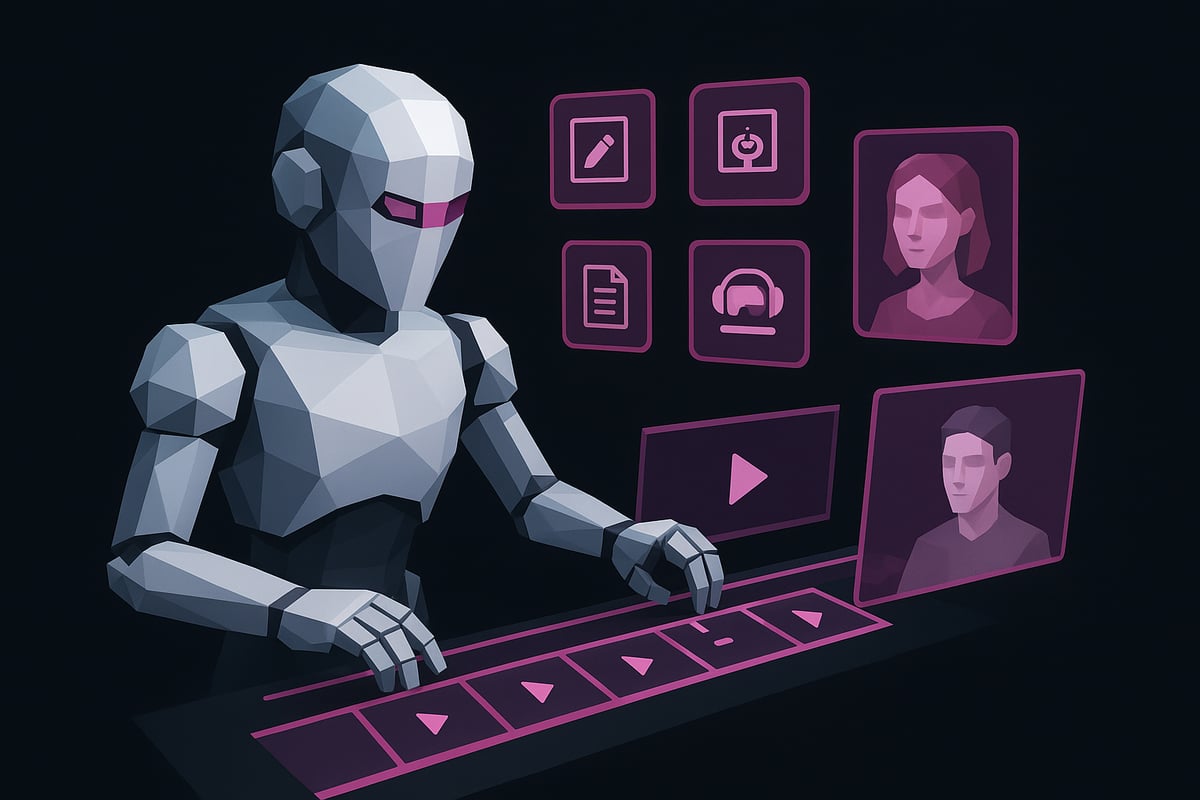
AI video creation refers to the process of generating, editing, or enhancing videos using artificial intelligence, machine learning, and automation. Unlike traditional workflows that require manual editing, scripting, and animation, AI-driven systems can analyze inputs such as text, images, or audio and automatically generate video content.
Generative AI models can script, animate, and even add voiceovers, making the process far more efficient. The main difference compared to manual methods is the speed and accessibility. For a comprehensive comparison, see AI vs. Traditional Music Videos. Today, using ai to make videos means leveraging algorithms that handle complex tasks with minimal human intervention.
Major Advances in 2025
The landscape of using ai to make videos has changed dramatically due to recent breakthroughs. Text-to-video technology now turns written prompts into vivid scenes. Real-time rendering enables instant feedback and adjustments, while multimodal AI blends text, images, and audio for richer storytelling.
Deep learning advancements provide highly realistic visuals and lifelike audio. AI systems seamlessly integrate with AR and VR, allowing creators to add interactive or immersive elements to their videos. These advances support personalized, engaging content at an unprecedented scale.
Market Growth and Popularity
AI video creation is experiencing explosive growth. Industry reports project the global AI video market will exceed $4 billion by 2025, driven by widespread adoption in education, marketing, entertainment, and social media.
Brands are increasingly using ai to make videos for viral campaigns, product launches, and customer engagement. For example, companies automate explainer videos and localize ads quickly, enabling faster response to trends. The surge in AI-powered video solutions reflects a major shift in content production strategies.
Key Benefits and Use Cases
The benefits of using ai to make videos are clear: speed, cost-effectiveness, and scalability. AI tools enable non-experts and small teams to produce professional-quality videos without specialized skills.
Common use cases include:
- Automated explainer videos for businesses
- AI-generated ads tailored to specific audiences
- Personalized video messages at scale
These tools empower creators to produce more content, faster, and with consistent quality, making video production accessible to everyone.
Challenges and Limitations
Despite its promise, using ai to make videos presents several challenges. AI hallucinations can introduce inaccuracies or odd visuals, while copyright and creative constraints may limit originality.
Data privacy and ethical considerations are critical, especially when handling sensitive topics or personal data. Human oversight remains essential to ensure quality, avoid bias, and maintain authenticity in nuanced projects. As the technology evolves, balancing automation with responsible creation will be vital.
Step-by-Step: How to Make Videos with AI in 2025
Ready to start using ai to make videos that captivate your audience? This step-by-step guide walks you through the complete workflow, from concept to final export. Whether you’re a marketer, educator, or creator, these steps will help you unlock the full potential of AI-powered video production.
Step 1: Define Your Video’s Purpose and Audience
Begin by clarifying why you are using ai to make videos. Are you targeting brand awareness, delivering an online lesson, entertaining followers, or sharing a personal message?
Next, select the right platform for your project. Will your video appear on YouTube, TikTok, Instagram, or a company intranet? Each channel has unique requirements for format, length, and style.
Analyze your intended audience. Consider demographics, viewing habits, and current trends. Understanding your goals and viewers will shape your creative approach and ensure your AI-generated content resonates.
Step 2: Choose the Right AI Video Tool
Selecting the optimal tool is crucial when using ai to make videos efficiently. Leading platforms include Synthesia, Pictory, Runway, and InVideo. Each offers unique features, from text-to-video generation to avatar creation.
Here’s a quick comparison:
| Platform | Key Feature | Learning Curve | Export Formats |
|---|---|---|---|
| Synthesia | Realistic avatars | Low | MP4, MOV |
| Pictory | Social highlights | Moderate | MP4 |
| Runway | Advanced editing | Moderate | MP4, GIF |
| InVideo | Templates | Low | MP4 |
Assess your needs: Do you require voiceovers, branding tools, language support, or integrations with marketing platforms? Factor in your budget and how quickly your team can adapt to the tool.
Step 3: Prepare Your Inputs (Script, Assets, Prompts)
Preparation is key when using ai to make videos that look polished and professional. Start by crafting a clear script or set of prompts for the AI. Effective prompts guide the platform to generate content that matches your intent.
Decide between pre-made templates or custom scripts. Templates speed up production, while custom scripts offer greater control. Gather all necessary brand assets, including logos, background music, and visuals.
Organize your materials for easy upload. This will streamline the generative process and help the AI tool assemble your video accurately.
Step 4: Generate and Customize Your Video
Now comes the creative core of using ai to make videos. Upload your script and assets to the AI platform of choice. The AI will assemble scenes, transitions, effects, and even voiceovers based on your inputs.
Customize as needed. Rearrange scenes, adjust pacing, tweak color grading, and add overlays or subtitles. Many tools allow you to generate AI voiceovers and instantly translate your content for global reach.
If you want a deeper dive into the creative process, check out this How to Create AI Music Videos guide for a detailed walkthrough.
Step 5: Review, Refine, and Export
Before publishing, review your AI-generated video for quality and accuracy. Watch for errors, awkward transitions, or AI misinterpretations. Manual tweaks often enhance the final result.
Select export settings that match your platform, such as resolution, aspect ratio, and file format. Many AI platforms let you publish directly to social channels or download files for further editing.
Taking time to refine your video ensures your efforts using ai to make videos will stand out and meet professional standards.
Step 6: Analyze Performance and Iterate
After publishing, use analytics tools to measure how your video performs. AI platforms often provide engagement metrics, retention rates, and A/B testing features.
Review the data to see what worked and what needs improvement. Collect feedback from viewers, then use these insights to refine your process. As AI technology evolves, continuous learning is essential for success when using ai to make videos.
Top AI Video Tools and Platforms for 2025
The landscape of using ai to make videos has never been richer or more diverse. In 2025, creators can choose from a vast ecosystem of AI-powered platforms, each designed to streamline video production for different needs. These tools leverage cutting-edge machine learning, automation, and generative models, making it possible for anyone to craft professional content quickly.
Overview of the AI Video Tool Ecosystem
When using ai to make videos, it is essential to understand the types of tools available. The ecosystem includes generative video platforms, automated editing suites, avatar and character creation tools, and voice synthesis engines.
Selecting the right tool depends on usability, creative flexibility, support, and pricing. Some platforms focus on text-to-video or avatar generation, while others excel at advanced editing or voiceover automation. Consider your project’s needs to choose the best fit.
Leading AI Video Creation Platforms
Several platforms stand out for those using ai to make videos. Synthesia offers text-to-video creation with realistic avatars, ideal for tutorials and training. Runway delivers advanced generative video and editing tools, perfect for creatives seeking flexibility. Pictory automatically generates highlight reels and social media clips, saving hours of manual work. InVideo provides a template-driven approach, suitable for quick branded content. Descript merges AI-powered editing and transcription for podcasts and video blogs.
For a detailed review of the best tools, see Best AI Music Video Creation Tools 2025.
Specialized AI Video Solutions
If you are using ai to make videos for niche applications, specialized solutions can offer unique advantages. Lumen5 is tailored for branded content and marketing teams, automating video creation from blog posts or text. Rephrase ai specializes in personalized video messaging at scale, making it a strong option for marketers. D-ID enables the creation of talking head videos, allowing educators and trainers to generate engaging explainer content efficiently.
These platforms empower teams to achieve specific goals without requiring deep technical expertise.
1 More Shot: AI Music Video Generator
For musicians and creators using ai to make videos, 1 More Shot: AI Music Video Generator stands out. This innovative tool instantly transforms audio tracks into stunning music videos, syncing visuals and lip movements to the beat. Users can export in multiple formats, download in HD, and access intuitive editing features.
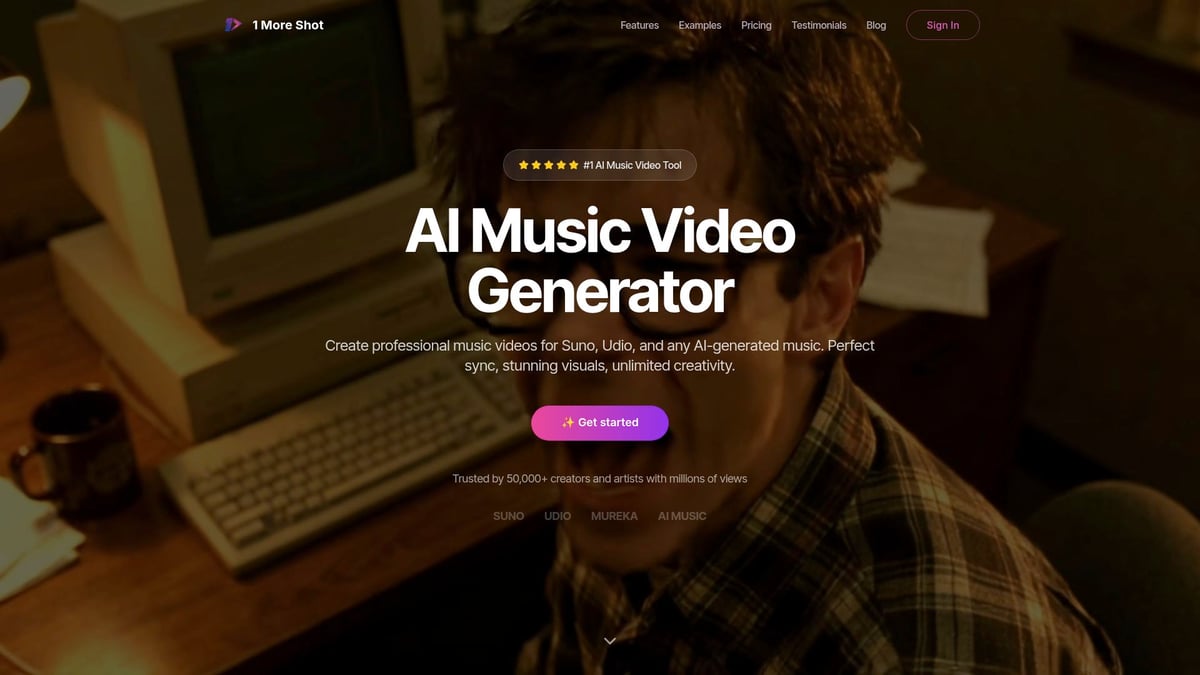
An indie artist recently doubled their streaming numbers after sharing an AI-generated video made with this platform. The free trial allows up to three videos, making it risk-free to explore the possibilities.
Comparison Table: Features, Pricing, and Best Use Cases
A side-by-side comparison helps in using ai to make videos more effectively. Here’s a summary of top platforms:
| Platform | Key Feature | Pricing | Best For | Export Formats |
|---|---|---|---|---|
| Synthesia | Text-to-video avatars | Mid-tier | Training, tutorials | MP4, MOV |
| Runway | Generative editing | Premium | Creatives, agencies | MP4, GIF |
| Pictory | Automated highlights | Affordable | Social media, blogs | MP4 |
| InVideo | Templates, quick edits | Affordable | Marketing, branding | MP4 |
| Descript | AI editing, transcripts | Mid-tier | Podcasts, vlogs | MP4, WAV |
| 1 More Shot | Music video sync | Freemium | Musicians, creators | MP4, MOV |
By comparing these options, you can choose the right platform for using ai to make videos that meet your creative and business objectives.
Creative Applications: How AI Is Transforming Video Content
The creative landscape is rapidly evolving, and using ai to make videos is unlocking new possibilities for brands, educators, artists, and everyday creators. Let us explore how AI is transforming video content across industries, from marketing to accessibility.
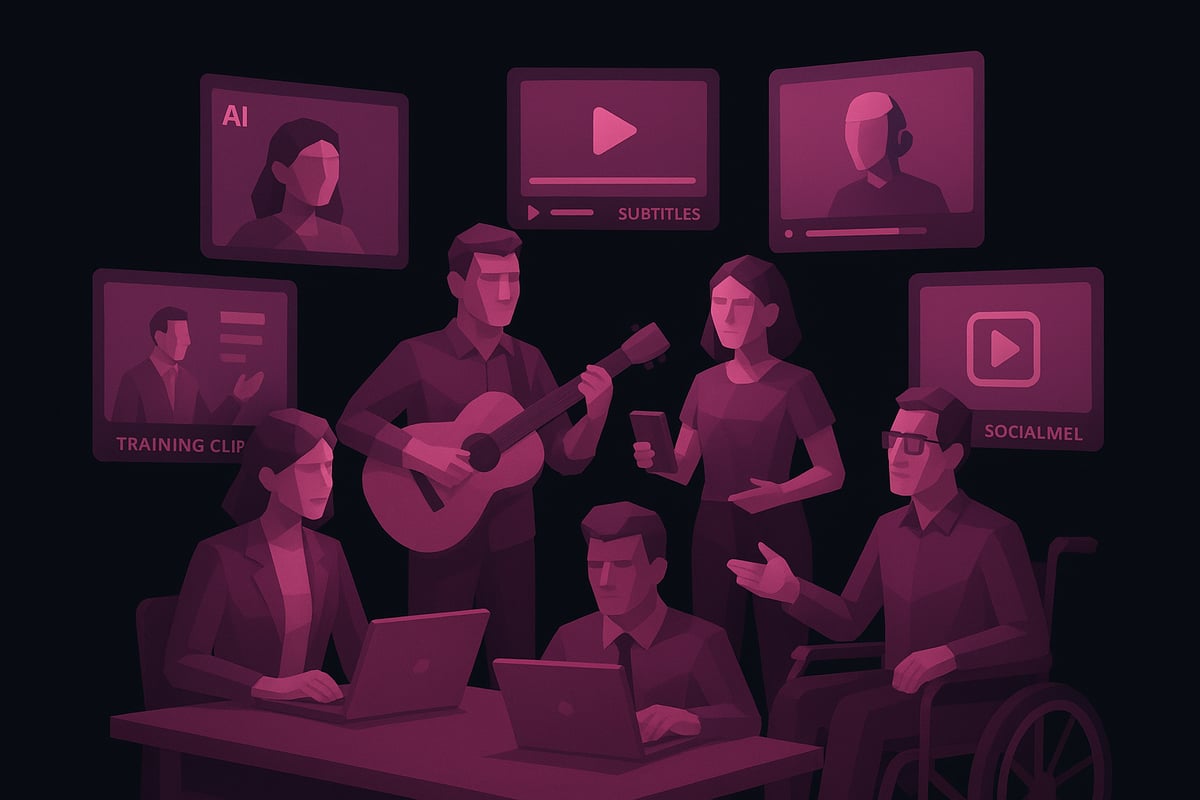
AI in Marketing and Social Media
Marketing teams are using ai to make videos that are tailored, dynamic, and cost-effective. AI-driven platforms automate ad creation, generate personalized video messages, and adapt content for trends in real time.
- Automated ad campaigns
- Personalized video greetings
- Localization in multiple languages
Brands can now quickly test ideas and iterate, reaching audiences faster than ever. Viral campaigns are more achievable, with AI analyzing trends and optimizing creative assets for every social platform.
AI for Education and Training
In education, using ai to make videos is streamlining how lessons, tutorials, and training modules are produced. AI-generated explainer videos help teachers simplify complex topics.
Schools and businesses benefit from:
- Interactive, multilingual lessons
- Automated lecture generation
- On-demand video updates
Educators save hours, while students enjoy engaging, accessible content. AI ensures consistency and helps tailor instruction to diverse learning needs.
Entertainment and Storytelling
Entertainment creators are pushing boundaries by using ai to make videos for music, animation, and storytelling. Musicians can auto-generate music videos synced to their tracks, while filmmakers experiment with AI-generated short films and animated scenes.
Collaborations between artists and AI yield unique narratives, blending human creativity with machine efficiency. This new synergy is redefining what is possible in visual storytelling.
Business and Corporate Communication
Companies are using ai to make videos for internal training, onboarding, and executive messaging. AI avatars deliver updates, while automated editing ensures brand consistency.
Benefits include:
- Rapid production for time-sensitive topics
- Scalable content for global teams
- Cost savings on traditional production
Enterprises reduce overhead and communicate more efficiently, keeping teams aligned and informed with minimal effort.
Accessibility and Inclusion
Using ai to make videos is making content more inclusive. AI can automatically generate subtitles, translate dialogue, and even create sign language avatars.
This empowers:
- Global reach through translations
- Accessibility for differently-abled viewers
- Compliance with platform requirements
AI-driven accessibility tools help organizations connect with broader audiences and foster genuine inclusivity in their messaging.
User-Generated Content and Influencer Marketing
Social media creators are embracing using ai to make videos for speed and creativity. Influencers can quickly produce trendy videos, experiment with effects, and personalize content for their followers.
According to the AI video market projected to reach $46 billion by 2034, adoption is surging, with 70% of TikTok creators planning to use AI video tools by 2025. This trend is fueling a wave of fresh, authentic content that resonates with digital audiences.
Best Practices and Tips for Success with AI Video Creation
Creating outstanding results when using ai to make videos in 2025 requires more than just choosing the right tool. It demands a thoughtful approach, creative strategy, and a keen awareness of emerging trends. By following these best practices, you can maximize the impact, quality, and reach of your AI-powered video projects.
Crafting Effective Prompts and Scripts
The foundation of using ai to make videos is clear communication with the AI. Write prompts that are specific, concise, and aligned with your video’s purpose. Avoid vague instructions; instead, outline the tone, style, and key points you want the AI to include. If your project requires a script, structure it with a compelling hook, logical flow, and a clear call to action.
Consider using storytelling frameworks, such as the classic “problem-solution-benefit” approach. Test and refine your prompts by running small samples before committing to a full video. This process ensures that using ai to make videos delivers the intended message and keeps viewers engaged.
Enhancing Creativity with Human-AI Collaboration
AI excels at automating repetitive tasks, but true creativity often comes from the synergy between human vision and machine efficiency. Start with your unique ideas and let AI handle initial drafts, scene assembly, or voiceovers. Then review, adjust, and layer in your brand’s personality.
Blend AI-generated visuals with your own assets, such as logos or custom footage, to achieve a distinct look. Use AI for rapid experimentation—generate multiple versions, compare results, and iterate quickly. Remember, using ai to make videos is most powerful when you guide the creative process and let the technology amplify your strengths.
Managing Quality and Authenticity
Quality assurance is essential when using ai to make videos. Carefully review each output for errors, awkward transitions, or “uncanny valley” effects in generated visuals or voices. Do not rely solely on automation—manual tweaks can make a significant difference.
Maintain brand consistency by applying the same fonts, color schemes, and messaging across all videos. Check for accidental biases or unintended content the AI might introduce. Regularly gather feedback from your audience to spot issues early and refine your approach.
Ethical and Legal Considerations
Navigating legal and ethical boundaries is vital in using ai to make videos. Always verify that content, images, and audio generated by AI do not infringe on copyright or licensing agreements. When using stock assets or AI-generated likenesses, ensure compliance with platform guidelines.
Be transparent about AI involvement, especially in sensitive projects. Disclose when videos are AI-generated to build trust with your audience. Familiarize yourself with local regulations regarding AI content, privacy, and data usage to avoid potential pitfalls.
Optimizing for Platforms and SEO
Tailor your videos to each platform’s requirements for aspect ratio, length, and audience preferences. Use AI analytics to optimize titles, tags, and thumbnails for discoverability. Consistency in branding and messaging across platforms boosts recognition.
| Platform | Aspect Ratio | Max Length | SEO Focus |
|---|---|---|---|
| YouTube | 16:9 | 15 min+ | Titles, tags |
| 1:1, 9:16 | 90 sec | Hashtags, captions | |
| TikTok | 9:16 | 3 min | Trends, keywords |
Monitor engagement metrics and adapt your strategy based on what resonates. Using ai to make videos gives you a data-driven edge—leverage this to refine your content and maximize reach.
Staying Ahead of AI Trends
The pace of innovation in using ai to make videos is accelerating. Stay informed about new features, updates, and best practices from leading platforms. Join community forums, subscribe to newsletters, and participate in beta testing programs.
For an in-depth look at what’s next, explore resources like AI Video Creation Trends 2025, which highlights the latest advancements and predictions. Continuous learning ensures your skills and strategies remain sharp as the field evolves.
The Future of AI Video Creation: Trends to Watch in 2025 and Beyond
The future of using ai to make videos is rapidly unfolding, with new technologies and creative possibilities emerging every month. As we look ahead, several key trends are shaping how individuals and organizations produce video content. Understanding these trends is essential for anyone aiming to stay ahead in this dynamic landscape.
Emerging Technologies on the Horizon
Cutting-edge advances are redefining what is possible when using ai to make videos. Multimodal AI models now combine text, image, and audio generation, enabling creators to describe a scene and have it brought to life instantly. Real-time rendering is making interactive and shoppable videos accessible, allowing viewers to engage directly with content as it plays.
Innovations like the Runway releases Gen-4 AI video model and Google’s Veo 3.1 enhances AI video generation demonstrate how rapidly these tools are evolving, offering faster, more flexible, and higher-quality results.
The Rise of Personalized and Adaptive Video
Personalization is at the heart of using ai to make videos in 2025. AI-driven systems can now analyze user data and preferences to deliver videos tailored to each viewer. This adaptive approach boosts engagement rates, with platforms reporting up to 35% higher interaction for personalized video experiences.
Marketers and educators are leveraging these capabilities to create content that speaks directly to individual needs and interests, leading to stronger connections and measurable results.
Democratization of Video Production
One of the most exciting shifts in using ai to make videos is the democratization of content creation. AI-powered platforms are lowering technical barriers, enabling small businesses, educators, and independent artists to produce professional-quality videos without expensive equipment or advanced skills.
Accessible tools mean more diverse voices are being heard, and creative ideas can reach audiences worldwide with unprecedented speed and efficiency.
Ethical AI and Responsible Creation
As using ai to make videos becomes mainstream, ethical considerations are more important than ever. Creators and platforms must address transparency, bias, and data privacy. The industry is moving toward clear guidelines and standards, ensuring that AI-generated content is responsibly produced and does not mislead or harm viewers.
Human oversight remains crucial, especially for sensitive topics or nuanced storytelling, to maintain trust and authenticity.
Predictions for the Next Five Years
Looking forward, using ai to make videos will become a seamless partnership between human creativity and intelligent automation. AI will serve as a creative collaborator, not just a tool, helping creators push the boundaries of storytelling and engagement.
Expect ongoing growth in interactive video, more intuitive interfaces, and the continued rise of ethical standards. The evolving landscape will empower anyone with a story to tell, making video creation more inclusive and innovative than ever.
As you’ve seen throughout this guide, AI is making it easier than ever to create high quality music videos—no advanced editing skills or big budgets required. Whether you’re a musician looking to bring your latest track to life or a content creator eager to stand out online, tools like 1 More Shot put professional grade video production right at your fingertips. Ready to turn your ideas into stunning visuals and see what AI can do for your creative process? Let’s take the next step together—Start Creating Now.